
Bills by Jmfcool.com1.11 - App Store
You'll be able to see results in few seconds.
Publisher Description
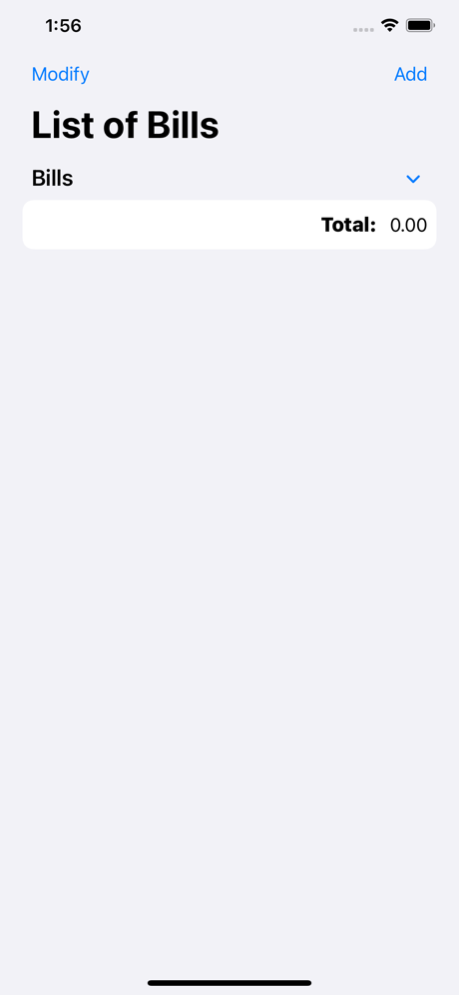
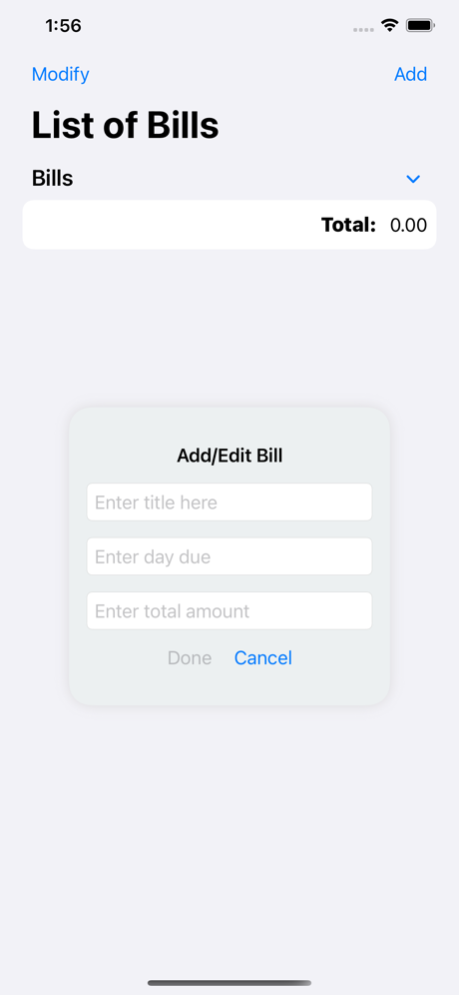
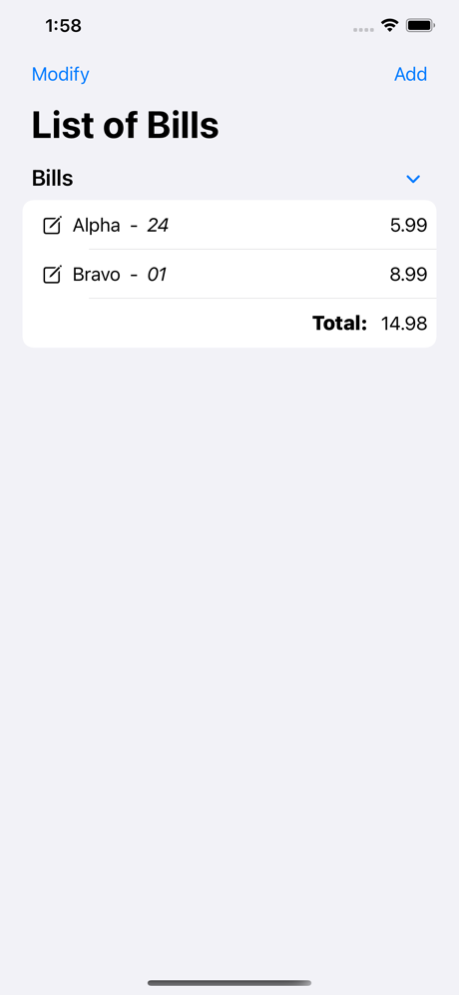
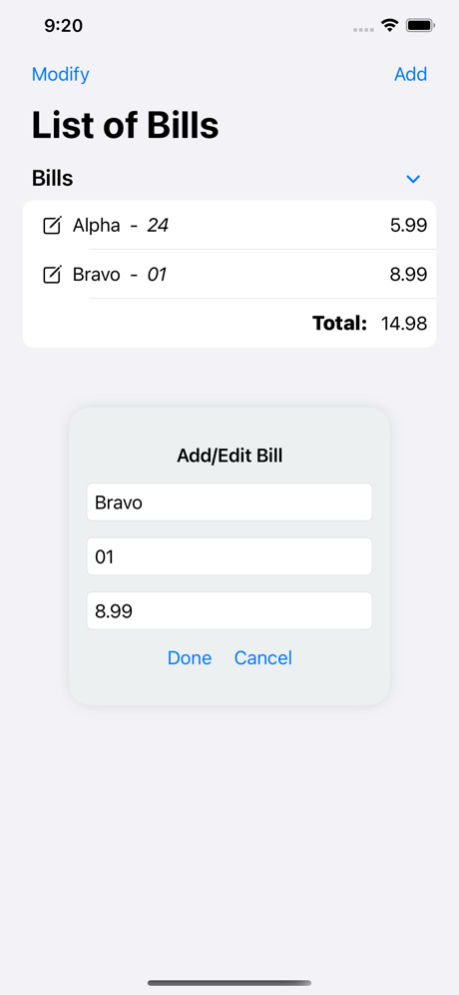
A budgeting software may be precisely what you need if you're having trouble keeping tabs on your spending and getting a handle on your finances. Each of the numerous budgeting applications are overwhelming. In contrast to the others, “Bills by Jmfcool.com” has unique characteristics that make it stand out from the crowd.
You may rest easy knowing that “Bills by Jmfcool.com" was created with the broadest possible audience in mind while still providing a variety of useful features for individuals who want to keep tabs on their spending and stick to a strict budget.
“Bills by Jmfcool.com" is an easy-to-use application focusing on customization and financial management. An industry-revolutionizing budgeting app has arrived with Jmfcool.com’s latest app addition. “Bill by Jmfcool.com", built by the same company that created and developed “Math by Jmfcool.com", “Alphabet by Jmfcool.com", etc., provides a comprehensive feature to help you comprehend, monitor, and manage your expenditures.
Without going through many app adjustments, it automatically computes all expenditures in a single place. For example, you may monitor your spending by category or your entire cash flow to obtain a complete view of where your money goes each month using “Bills by Jmfccol.com". Download the app now and start saving money right away!
Apr 15, 2024
Version 1.11
New app icon
About Bills by Jmfcool.com
The company that develops Bills by Jmfcool.com is Jeremiah Faria. The latest version released by its developer is 1.11.
To install Bills by Jmfcool.com on your iOS device, just click the green Continue To App button above to start the installation process. The app is listed on our website since 2024-04-15 and was downloaded 0 times. We have already checked if the download link is safe, however for your own protection we recommend that you scan the downloaded app with your antivirus. Your antivirus may detect the Bills by Jmfcool.com as malware if the download link is broken.
How to install Bills by Jmfcool.com on your iOS device:
- Click on the Continue To App button on our website. This will redirect you to the App Store.
- Once the Bills by Jmfcool.com is shown in the iTunes listing of your iOS device, you can start its download and installation. Tap on the GET button to the right of the app to start downloading it.
- If you are not logged-in the iOS appstore app, you'll be prompted for your your Apple ID and/or password.
- After Bills by Jmfcool.com is downloaded, you'll see an INSTALL button to the right. Tap on it to start the actual installation of the iOS app.
- Once installation is finished you can tap on the OPEN button to start it. Its icon will also be added to your device home screen.
Program Details
System requirements
Download information
Pricing
Version History
version 1.11
posted on 2024-04-15
Apr 15, 2024
Version 1.11
New app icon
version 1.10
posted on 2024-03-05
Mar 5, 2024
Version 1.10
The icon has been updated.
version 1.9
posted on 2022-11-20
Nov 20, 2022
Version 1.9
- Added Income
- Added Wallet
Disclaimer
Official App Store Link
We do not host Bills by Jmfcool.com on our servers. We did not scan it for viruses, adware, spyware or other type of malware. This app is hosted by Apple and passed their terms and conditions to be listed there. We recommend caution when installing it.
The App Store link for Bills by Jmfcool.com is provided to you by apps112.com without any warranties, representations or guarantees of any kind, so access it at your own risk.
If you have questions regarding this particular app contact the publisher directly. For questions about the functionalities of apps112.com contact us.
